


AI Explainer Video: How to Choose What's On Screen

by ByThen Editorial
September 30, 2026
Imagine that your narration says, “Compound interest starts slow and then moves fast”. On screen, the visual portrays a woman in an open-plan office smiles at a laptop.
Nothing is broken. The voiceover is clean, the pacing is fine, the video rendered in four minutes. And the viewer still does not understand compound interest, because the only thing you gave their eyes to do was watch a stranger enjoy a spreadsheet.
That gap has a name in cognitive research, and it costs you more retention than a weak script does.
The Layer Between The Script and The Render
Most people planning an AI explainer video make two decisions. They write the script. They pick a tool.
The third decision gets made by default. What appears on screen while each line plays gets handed to whatever the generator reaches for, usually a stock clip matched on keywords or an avatar talking to camera.
That third decision is the one carrying your explanation. Narration tells the viewer what is true. The visual track tells them what it looks like, how the parts relate, and where they are in the argument. When the two drift apart, the viewer spends effort reconciling them instead of learning.
What the Research Actually Says about Mismatched Visuals
This is well-studied ground, and the findings are blunt. Richard Mayer and Logan Fiorella's work on multimedia learning identifies extraneous cognitive load, the mental effort a viewer spends processing material that is not carrying the lesson. Three of their principles apply directly to an explainer video.
Coherence
People learn more deeply when extraneous material is excluded rather than included. In Mayer and Fiorella's review this held in every experimental test they examined, with a median effect size around 0.86. A decorative stock clip is not neutral. It actively competes for attention.
Temporal contiguity
People learn more deeply when the matching visual and the narration arrive at the same time rather than one after the other. This was supported in 9 out of 9 tests, with a median effect size of 1.22. That is a large effect. If your visual for a concept lands three seconds after the sentence explaining it, you have already lost part of the benefit.
Redundancy
People learn better from graphics plus narration than from graphics plus narration plus on-screen text saying the same thing. Captions for accessibility are a separate matter. Duplicating your narration as a headline on screen is not.
Those three findings settle a lot of arguments about what belongs on screen.
The Shot-Matching Method
Work from a finished script. Do not start choosing visuals before the words are locked, because you will end up writing to the footage you found.
1. Break the script into beats
A beat is one idea, usually one or two sentences. Scripts written for voice tend to run around 150 words per 60 seconds of finished video, so a 90-second explainer gives you roughly eight to ten beats.
Number them. Every beat gets exactly one visual decision.
2. Give each beat a job
Before you think about what the shot looks like, name what it has to do. There are four common jobs.
- Show: The viewer needs to see the thing itself. A product interface, a physical object, a place.
- Compare: Two states side by side. Before and after, option A and option B, small and large.
- Sequence: Order matters. Step one leads to step two.
- Land: The emotional or conclusive beat. The point where the argument resolves.
Naming the job first stops you defaulting to generic footage. A compare beat needs two things in frame. No amount of atmospheric b-roll will do that work.
3. Pick literal or abstract
Here is the rule most explainers get backwards. Concrete subjects take literal shots. Abstract subjects take abstract shots.
If you are explaining a physical product, show the product. If you are explaining an idea that has no physical form, a literal shot of a person thinking about that idea is filler. Use motion, shape, and relationship instead. Compound interest is a curve that bends. A bottleneck is a narrow point with pressure behind it. Market share is area.
The instinct to cut to a human face when the topic turns abstract is the single most common failure in AI explainers. It feels safe. It teaches nothing.
4. Check the handoff
Read your beat list in order and look at what changes between each shot. If three consecutive beats all cut to a different person in a different office, your viewer is tracking new faces instead of your argument. Visual variety is not the goal. Visual continuity with meaningful change is.
This is where stock libraries break down. You assemble a sequence from clips shot by different crews in different years with different color grading, and the video reads as a montage rather than an explanation.
Generating visuals from the script solves the continuity problem at the source. ByThen builds each scene from your script inside one project, so style and narrative stay consistent from the first frame to the last instead of being stitched together afterwards.
Four Things to Check Before You Render
Are you cutting to a face on abstract beats? Covered above. The most common one.
Is on-screen text repeating the narration? Redundancy principle. Use text for labels and numbers, not for sentences the voice is already saying.
Does any visual arrive late? Temporal contiguity. The shot should be on screen as the sentence starts, not after it.
Is anything on screen purely decorative? Coherence principle. If a clip is there because the beat felt visually empty, the beat is probably too long. Cut the beat instead of filling it.
When Your Generated Visuals Need a YouTube Label
This one catches people, and it is worth getting right before you publish rather than after.
YouTube requires creators to disclose content that is meaningfully altered or synthetically generated when it seems realistic, meaning a viewer could mistake it for a real person, place, scene, or event. The setting sits in YouTube Studio under Details, labelled Altered content. Selecting yes adds a label to the expanded description.
The threshold is realism, not AI use. YouTube's own announcement states they do not require disclosure for content that is clearly unrealistic, animated, includes special effects, or used generative AI for production assistance. Generating a script or captions with AI does not trigger it.
For a stylized or animated explainer, you are usually outside the requirement. If your explainer generates realistic footage of an actual place, depicts a real person, or shows events that look real and did not happen, disclose it. YouTube has said it may apply the label itself where unlabelled content could mislead, so guessing low is the expensive option.
Three Explainer Channels Worth Studying
Reading about the visual layer only gets you so far. Watching people who have solved it is faster.
These three channels look nothing alike. They run on the same principle. Every visual is doing a job, and none of them is there to look expensive.
Casually Explained
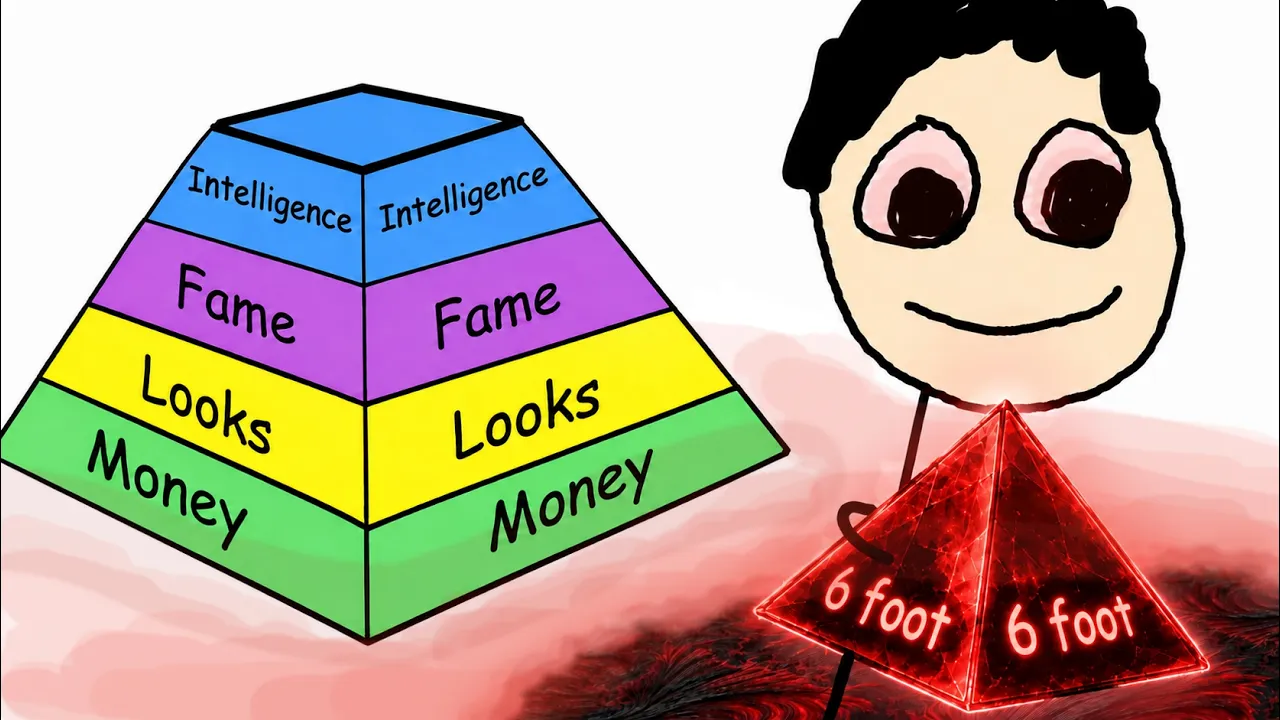
Deadpan voiceover over stick figures that look like they were drawn in MS Paint. The art is deliberately crude, and the channel still explains things better than most polished productions. Watch what is actually on screen. When the narration describes a range, you get a spectrum. When it describes categories, you get a chart or a tier list. The drawing is always a diagram of the claim being made. It is never a mood.
The channel has also stayed faceless for its entire run. The comedy comes from the writing and the voice, and the format became a signature rather than a limitation.
TED-Ed
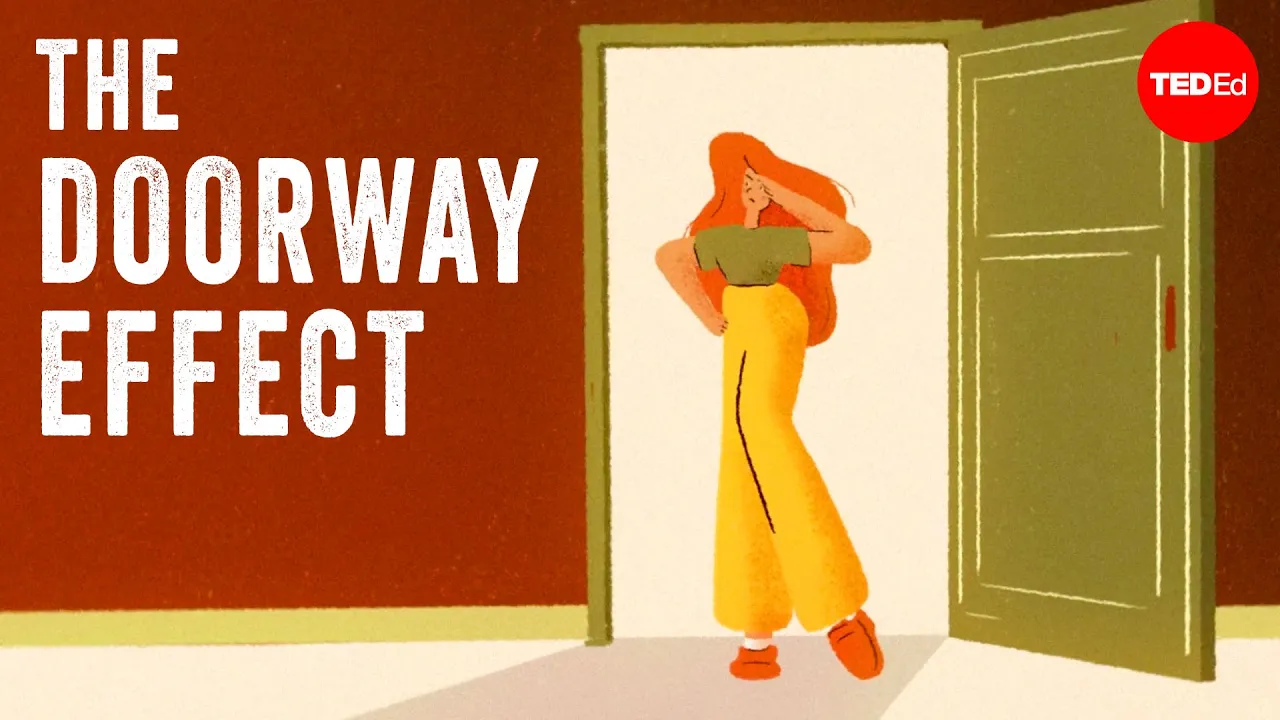
The cleanest example of one question, one lesson. The visuals follow the logic beat by beat, which is the shot-matching method running in public. If you want to see what temporal contiguity looks like when it is done properly, this is the reference.
Here is the common thread. None of these channels wins on render quality. Casually Explained would lose a fidelity contest to almost any AI video tool on the market. What all three protect instead is the match between what the voice says and what the eye gets, held consistently across ten or twenty minutes.
Try watching one with the sound off. You will see the structure in about ninety seconds.
That consistency is the part solo creators find hardest, because holding one visual system across a long video usually means rebuilding it scene by scene. Generating scenes from your script closes most of that gap. ByThen produces storytelling videos from 30 seconds up to 30 minutes, with script, voice, music, key visuals, and video generation in one workflow, so the style and the story arc hold from the first frame to the last.
Kurzgesagt – In a Nutshell
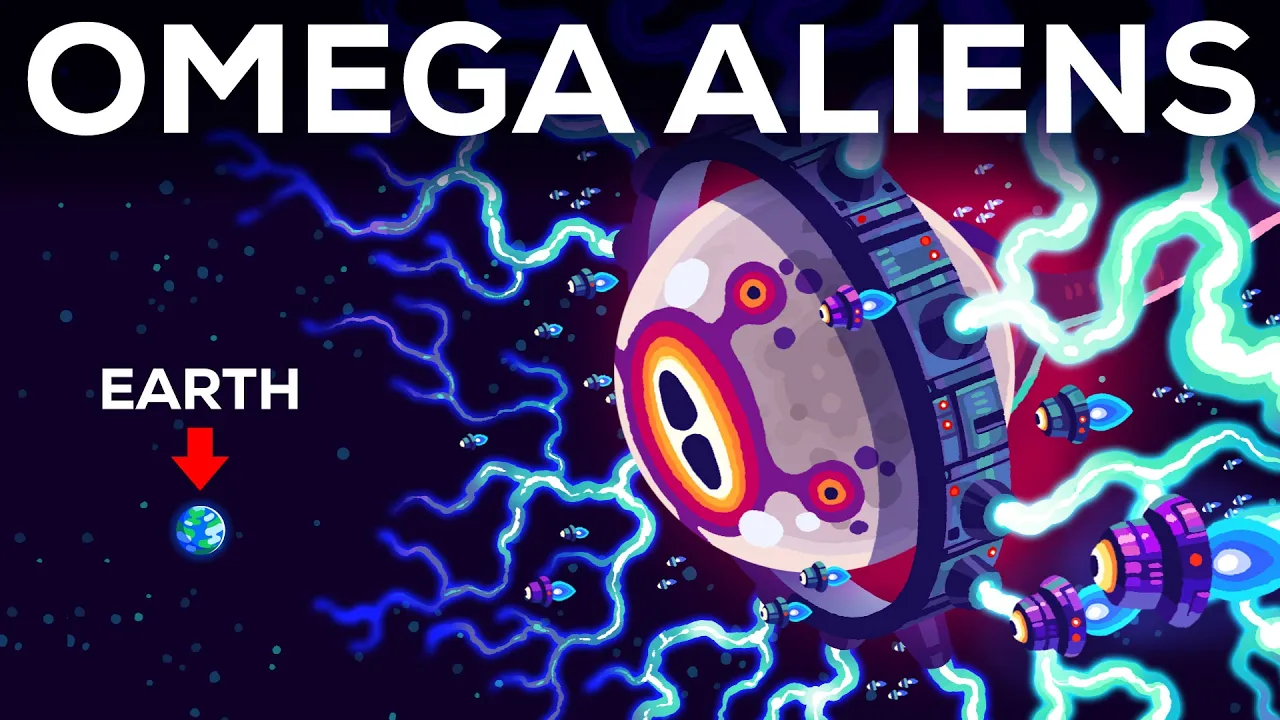
Flat shapes, rounded forms, a fixed palette. The channel almost never shows a literal photograph of its subject, which is the point. Black holes, immune systems, and civilizational risk have no obvious footage, so Kurzgesagt builds a visual metaphor and reuses it across the video. You remember the idea because you remember the picture. Watch how consistent the system stays across an entire ten-minute video.
Start with One Script
A good explainer video is the one where the eyes and the ears get the same message at the same moment. Every channel above proves that at a wildly different budget, from MS Paint stick figures to documentary-grade graphics, and all of them arrived the same way. They decided what each line needed to show before anything got animated. That decision is free. It costs you a numbered list and twenty minutes, and it is the difference between a video people watch and a video people understand.
You probably have a script sitting somewhere already. Break it into beats, give each one a job, and generate it. Start your first explainer on ByThen.
FAQ
What is an AI explainer video? expand_more
A short video that explains a concept, product, or process, where AI handles some or all of production. That usually covers scripting, voiceover, visual generation, and assembly. The category ranges from avatar presenters reading a script to fully generated animated scenes with no presenter at all.
How long should an AI explainer video be? expand_more
For a marketing or product explainer, 60 to 90 seconds is the common working range, with the hook landing in the first few seconds. For educational content on YouTube, longer runs work when the topic earns them. Length should follow the number of ideas you are actually explaining, not a rule.
How many words should my script be? expand_more
Around 150 words per 60 seconds of finished video, read at a natural pace. Draft to that number, then cut. Scripts almost always come in long.
Do I need stock footage for an AI explainer video? expand_more
No, and for abstract topics it often works against you. Stock clips are shot for general use, so they rarely match a specific narration beat, and assembling several of them creates visible style breaks. Generating visuals from your own script keeps every shot tied to what the narration is saying.
Should I put text on screen while the voiceover is talking? expand_more
Not the same text. Research on the redundancy principle shows people learn better from graphics plus narration than from graphics plus narration plus duplicated on-screen text. Use on-screen text for labels, numbers, and names. Let the voice carry the sentences. Accessibility captions are separate and should stay on.
Do I have to disclose AI-generated visuals on YouTube? expand_more
Only when the content is meaningfully altered or synthetically generated and seems realistic, meaning a viewer could mistake it for a real person, place, scene, or event. YouTube does not require disclosure for content that is clearly unrealistic or animated, or where AI assisted production tasks like scripting. Stylized explainers generally fall outside the requirement. Realistic depictions of real people or places do not.
What is the best AI explainer video tool? expand_more
It depends on the job, which is why comparison lists disagree with each other. Avatar tools suit presenter-led announcements. Template animation tools suit scenario training. Document-to-video tools suit repurposing existing material. For long-form storytelling where continuity across many scenes matters, you want a platform that treats the video as one project rather than a set of clips. ByThen generates videos from 30 seconds up to 30 minutes, with script, voice, music, key visuals, and video generation in one workflow.
How long should a YouTube description be? expand_more
The field allows 5,000 characters. Most videos do well between 200 and 500 words. Front-load the important information, because the opening lines are the part most likely to be seen and indexed.
Sources & Citations
keyboard_arrow_up
- Mayer, R. E., & Fiorella, L. (2014). Principles for Reducing Extraneous Processing in Multimedia Learning: Coherence, Signaling, Redundancy, Spatial Contiguity, and Temporal Contiguity Principles. Chapter in The Cambridge Handbook of Multimedia Learning. Source of the coherence, temporal contiguity, and redundancy findings cited above, including the experimental test counts and median effect sizes.
- YouTube. (2024). Disclosing use of altered or synthetic content. Official YouTube Help guidance on the Altered content setting in YouTube Studio, where the label appears, and the realism threshold that triggers the disclosure requirement.
- YouTube Official Blog. (2024). How we're helping creators disclose altered or synthetic content. Announcement introducing the Creator Studio disclosure tool, including the stated exclusions for clearly unrealistic content, animation, special effects, and generative AI used for production assistance.
- Backlinko. (2024). YouTube Video Description: 9 Essential Tips for Better Descriptions. SEO guidance quoting YouTube's own recommendation to place the most important keywords toward the beginning of the description.
- vidIQ. (2026). YouTube Description Ideas and Best Practices. Practitioner guidance on the visible description window, keyword placement, timestamps, links, and hashtag use.
- Sprout Social. (2025). How to write engaging YouTube video descriptions: 7 best practices. Guidance on above-the-fold keyword placement, the 5,000 character limit, and readability formatting including line breaks and chapters.
- Monitor YT. (2026). YouTube Description Best Practices. Source of the caveat that commonly quoted above-the-fold character counts are third-party estimates rather than figures YouTube publishes.
- Pexo. (2026). How to Write an Explainer Video Script in 2026: A 7-Step Guide. Source of the approximately 150 words per 60 seconds script pacing benchmark.
- Colossyan. (2025). AI Explainer Videos: Tools and Examples. Practitioner guidance on explainer length, hook timing, single-problem focus, and matching voiceover to visuals.