
Text to Video
AI Generator
From a single sentence to a 30-minute storytelling video. ByThen handles script, visuals, voice, and editing. You received it ready to be published.
What actually happens when you hit Generate
Topic In, Video Out
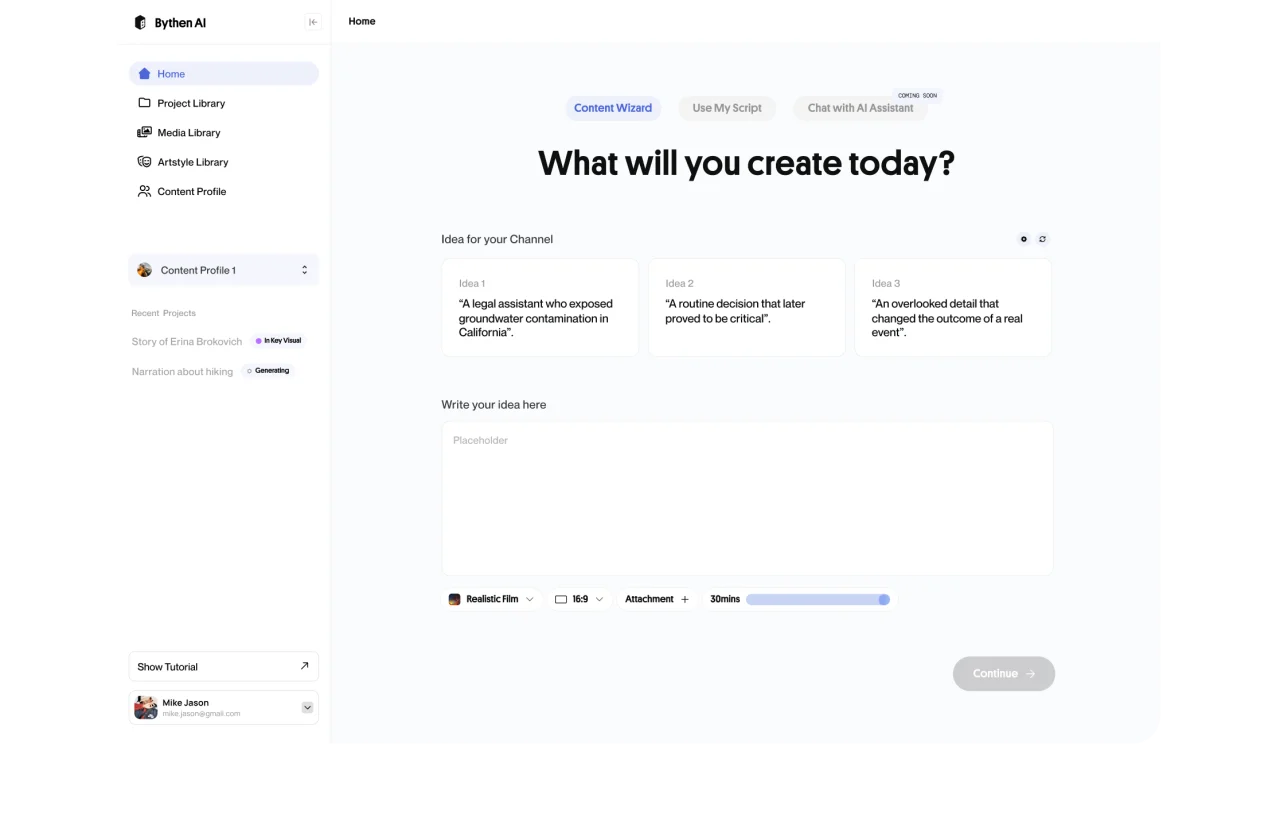
Enter a title or idea. ByThen writes the full script, creates key assets, builds the storyboard, and assembles the video.
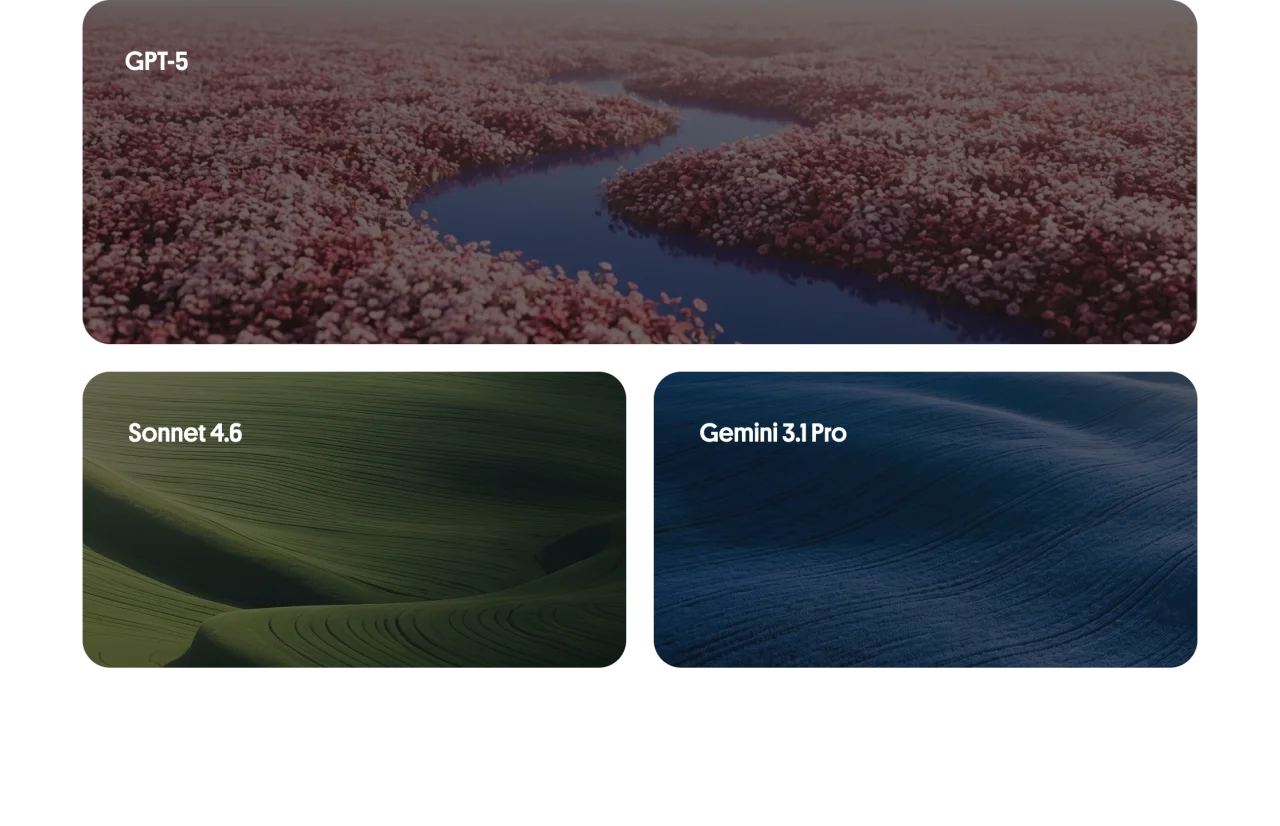
Multi-LLM Script Engine
Powered by GPT-5, Sonnet 4.6, and Gemini 3.1 Pro. Scripted for your tone, niche, and audience.
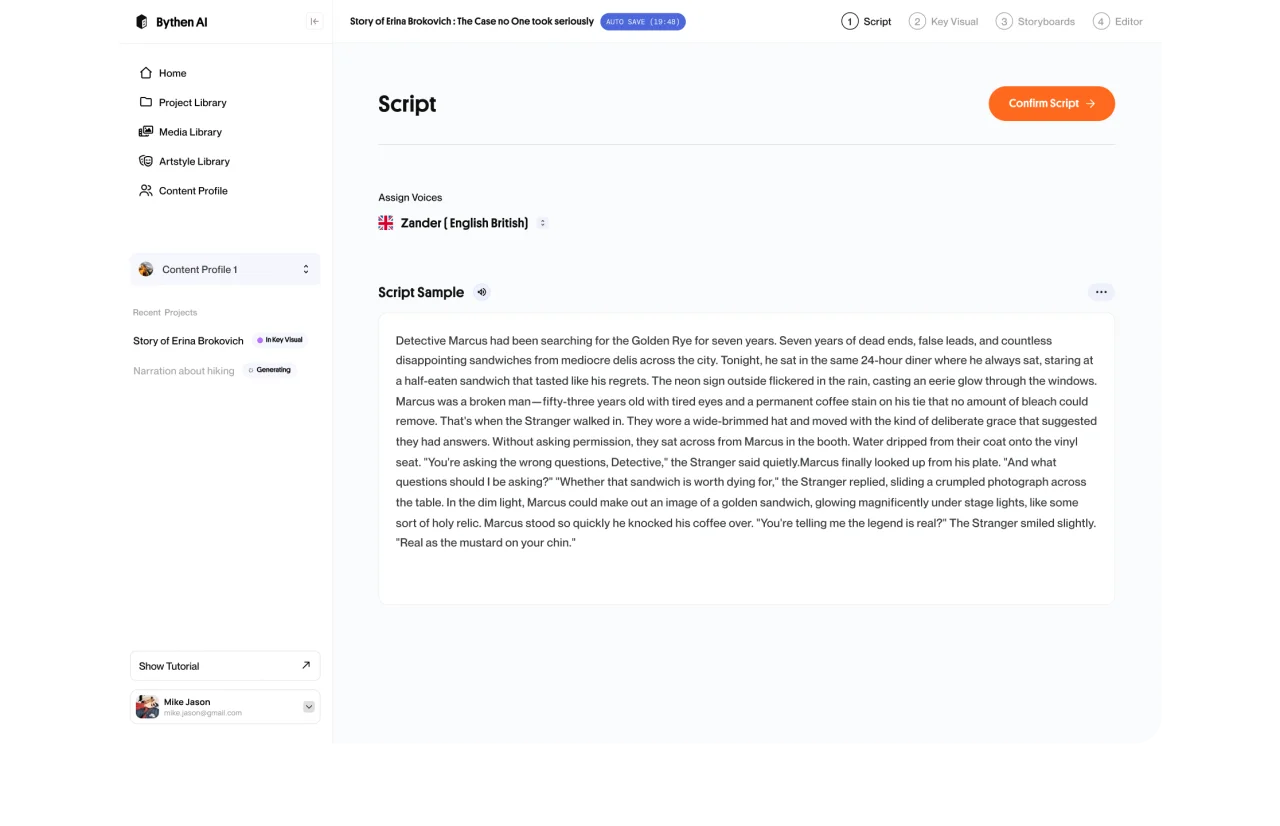
Instant Narration
Text-to-speech narration with ElevenLabs, MiniMax, or clone your own voice. All in one workflow.
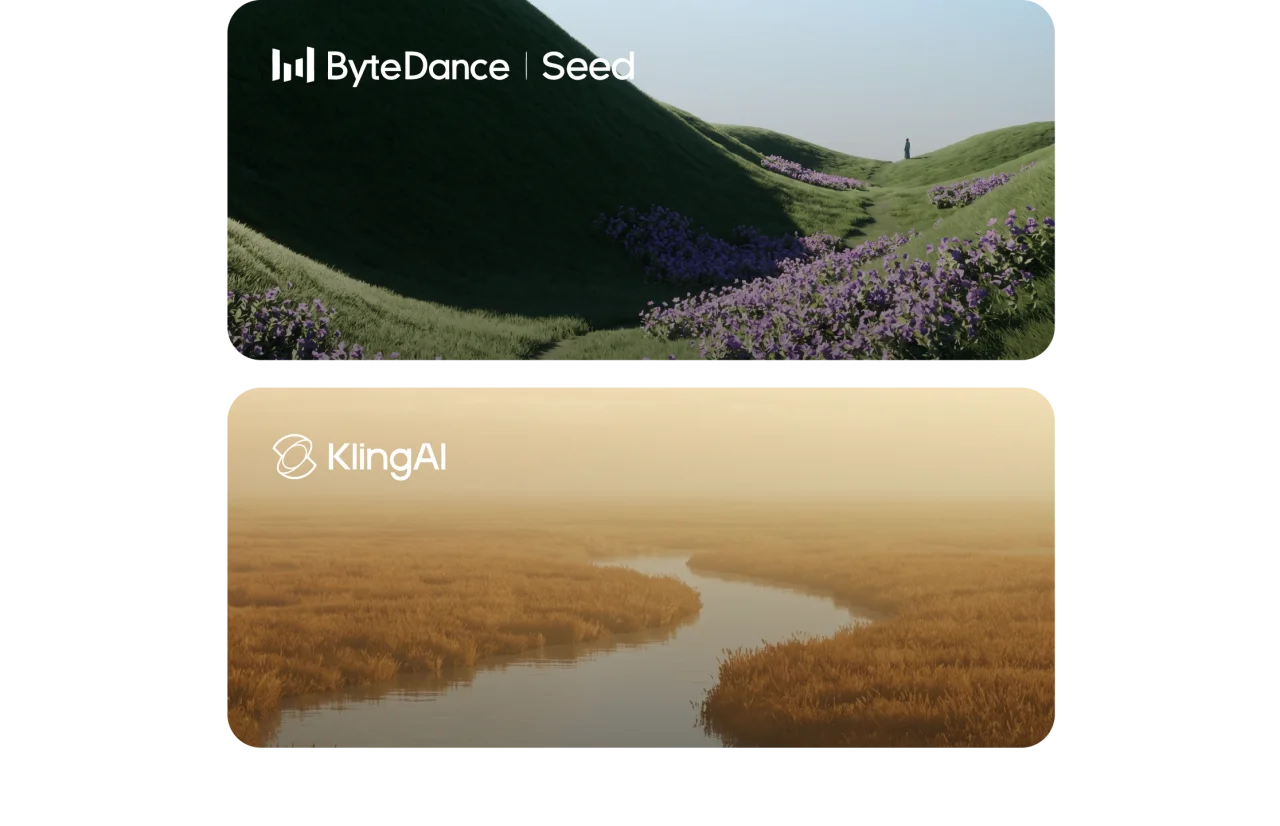
Custom Visual Generation
Every visual is generated uniquely for your content via Seedream and Kling. No stock image recycling.
Mood-Matched Music
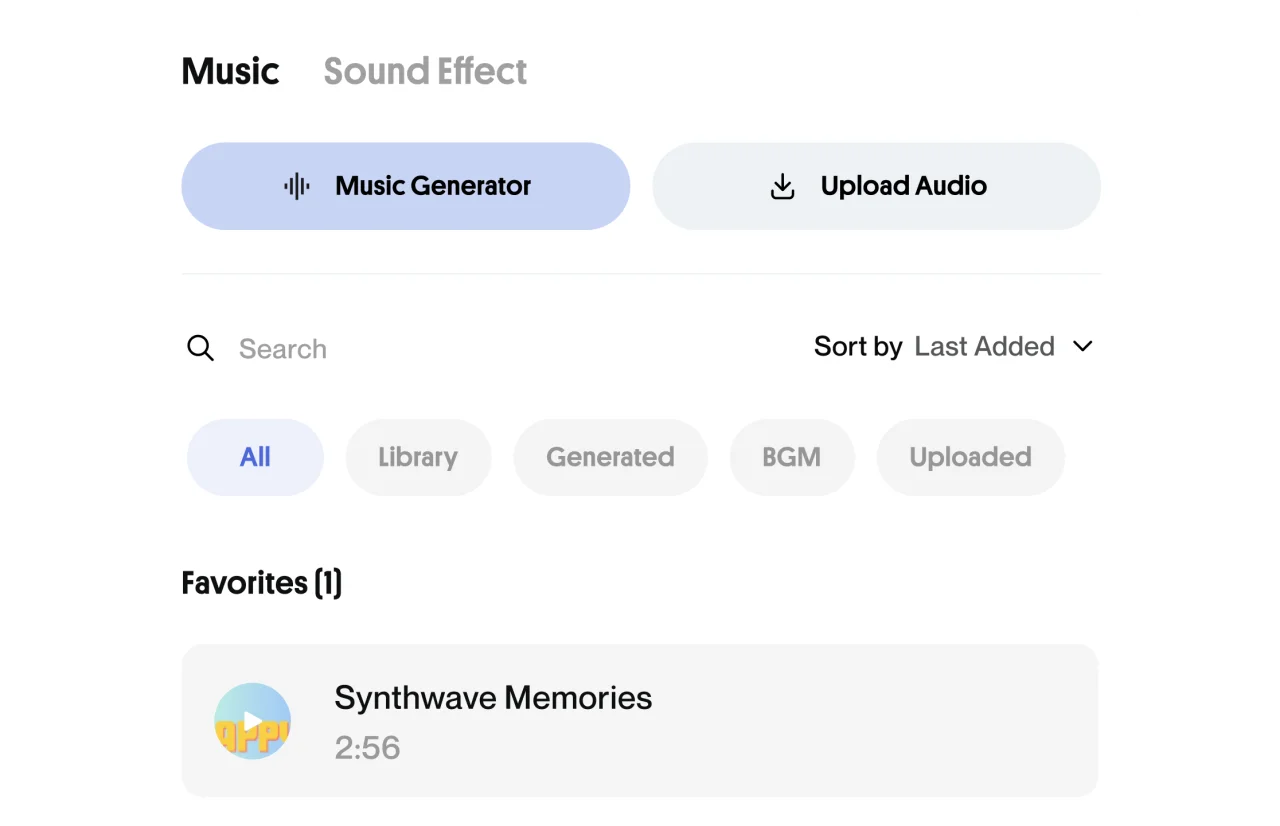
Background music generated to fit the emotional arc of your script. Nothing off-tune.
Edit Anything, Anytime
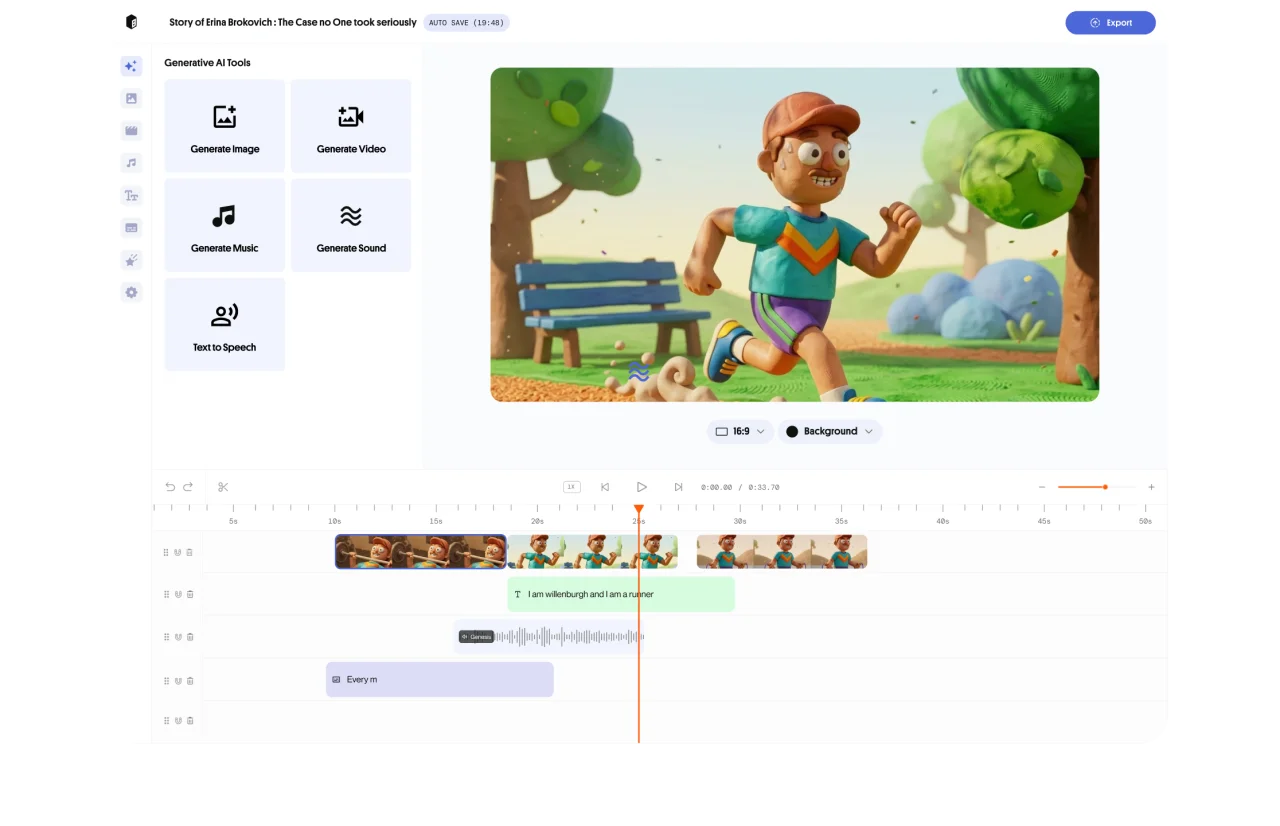
Not happy with a scene? Edit the script, regenerate visuals, or adjust on the timeline. You stay in full control throughout.
Your script,
Your voice,
Your story
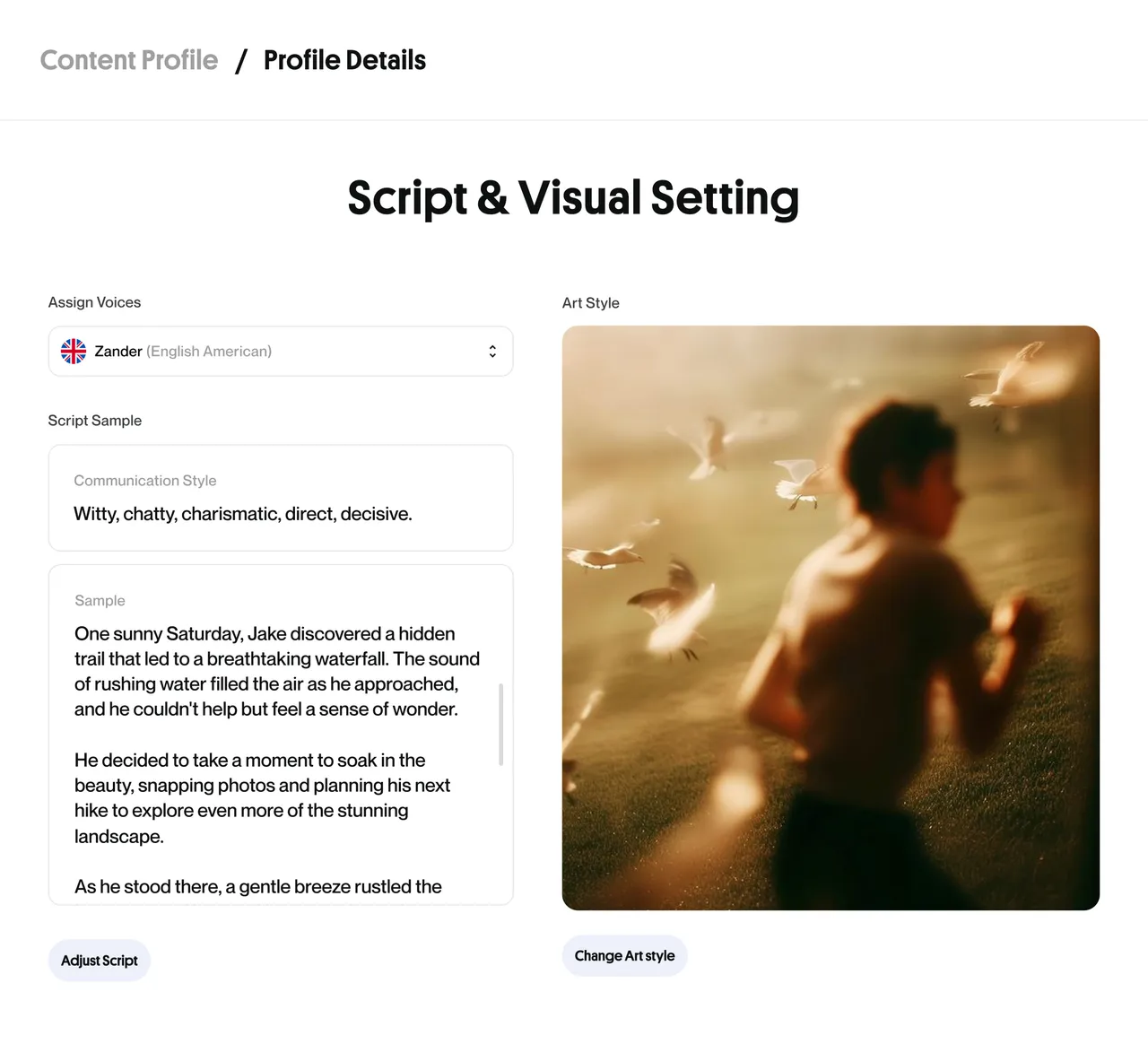
Type a topic idea or bring your own finished script. Either way, ByThen’s text to video AI generator creates unique visuals, narration, and music that match what you wrote. No stock recycling.
Want to personalize it further? Edit the script at preview stage, regenerate scenes individually, or go straight to export. The workflow bends to your process, make it uniquely yours.
Made for every kind of creator

Faceless YouTube Channels
Narrated, AI-illustrated long-form content without showing your face. Same quality. Fraction of the time.

News & Explainers
Turn a headline into a fully narrated explainer video in under an hour.
Corporate Training
Produce professional instructional videos from existing training documents.

Podcast Clips
Transform podcast scripts or transcripts into shareable video summaries.
How ByThen works
- 01
Setup your content profile:
Define your topic, style, language and voice
- 02
Create your script:
Get AI to help you, or upload yours
- 03
Preview and approve:
Review or regenerate key assets
- 04
Touch up your storyboard:
Edit your storyboard to achieve the desired output
- 05
Generate your video:
Full-length video generated and assembled automatically
- 06
Edit, export, publish:
Refine on timeline and download your finished video
ByThen AI Text to Video FAQs
What is the Text to Video feature?
Do I need to write a script first, or does ByThen generate one?
Can I edit the script before visuals are generated?
What happens after I approve the script?
Can I edit the video after the storyboard is generated?
Can I regenerate just one scene without redoing the whole video?
How long can a Text to Video be?
What platforms can I publish to after exporting?