
AI Script Generator for Faceless Content
Enter your topic. ByThen generates a full narration script in your tone, for your platform, aimed at your audience.
Scripts that sound like you
Persona-Driven Writing
Define your Script Style; tone, structure, persona; via your content profile. Every script output matches your creator identity.
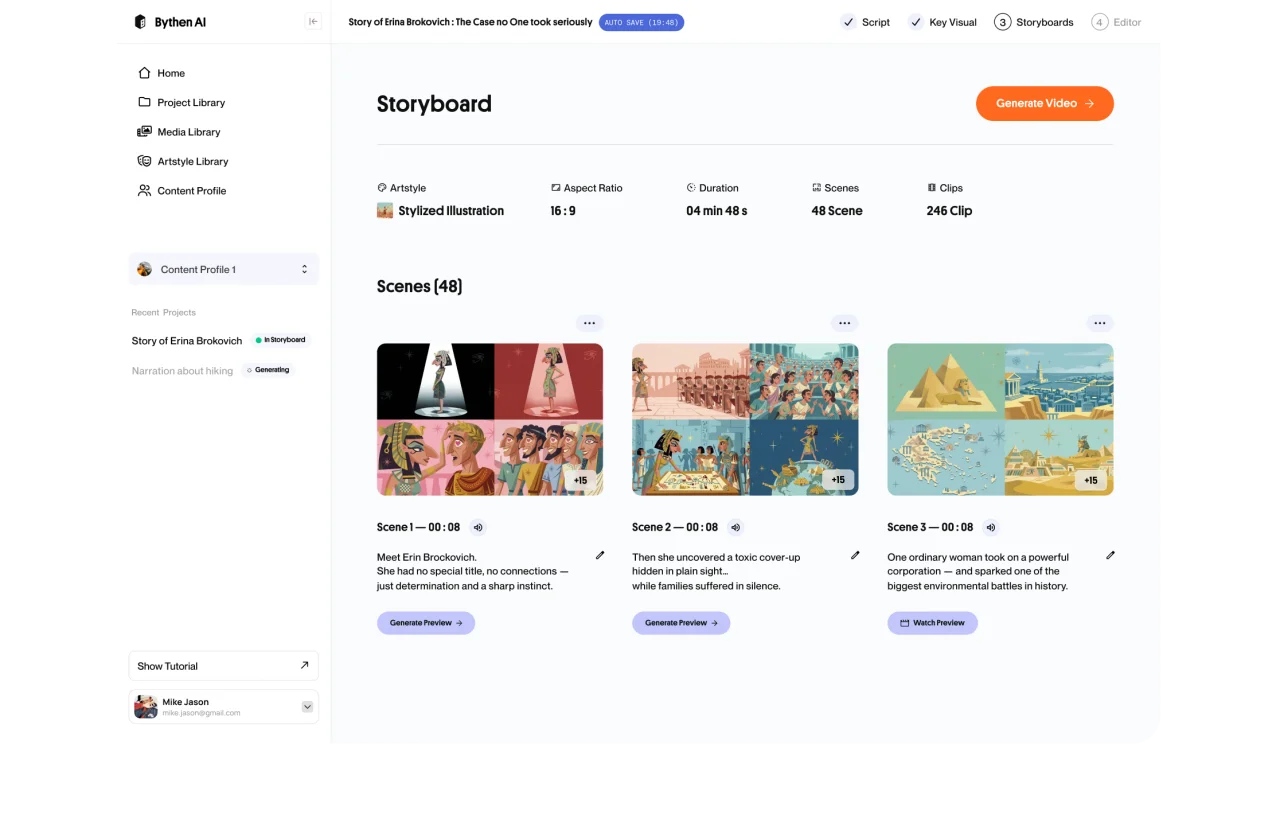
Platform & Format Aware
Optimized to your selected platform, duration, content angle, and audience.
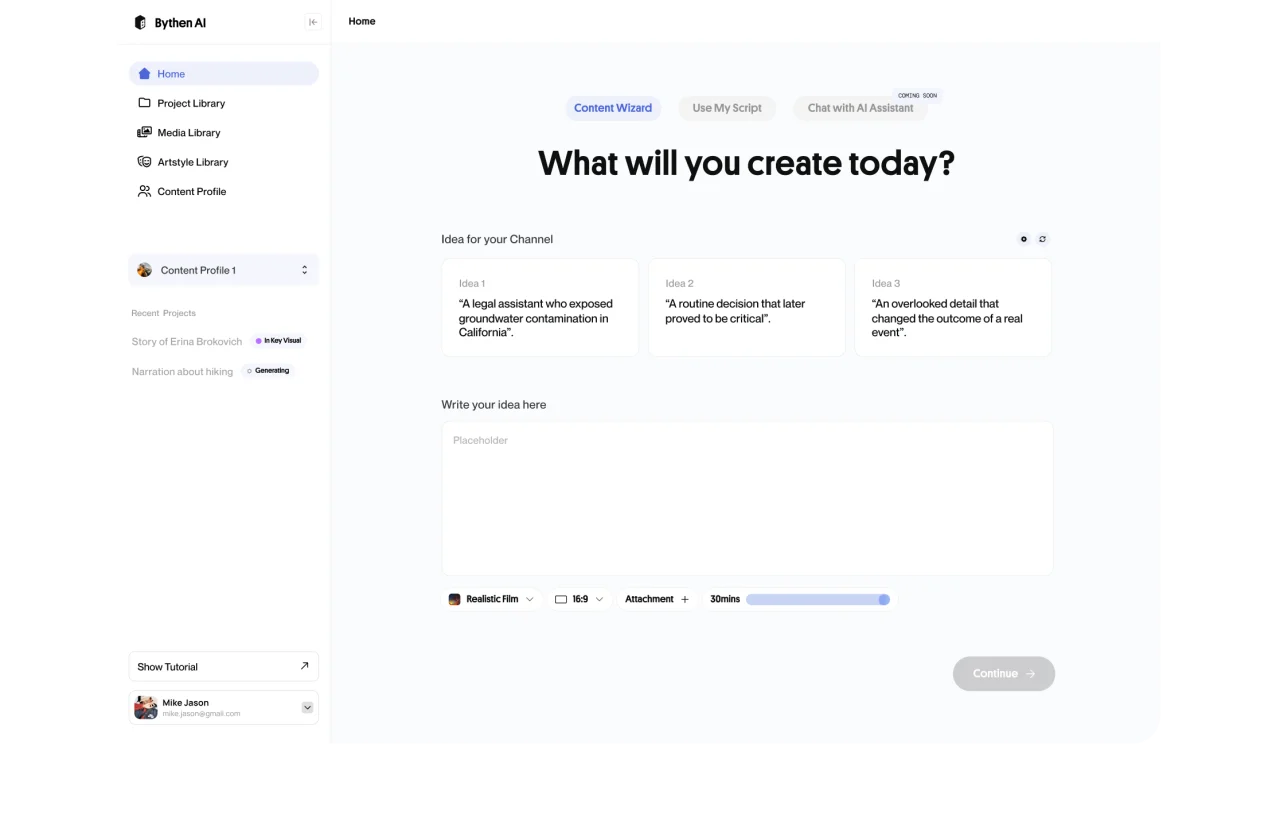
Your Script or Ours
Let ByThen write the full script or paste your own finished script and skip straight to visualization.
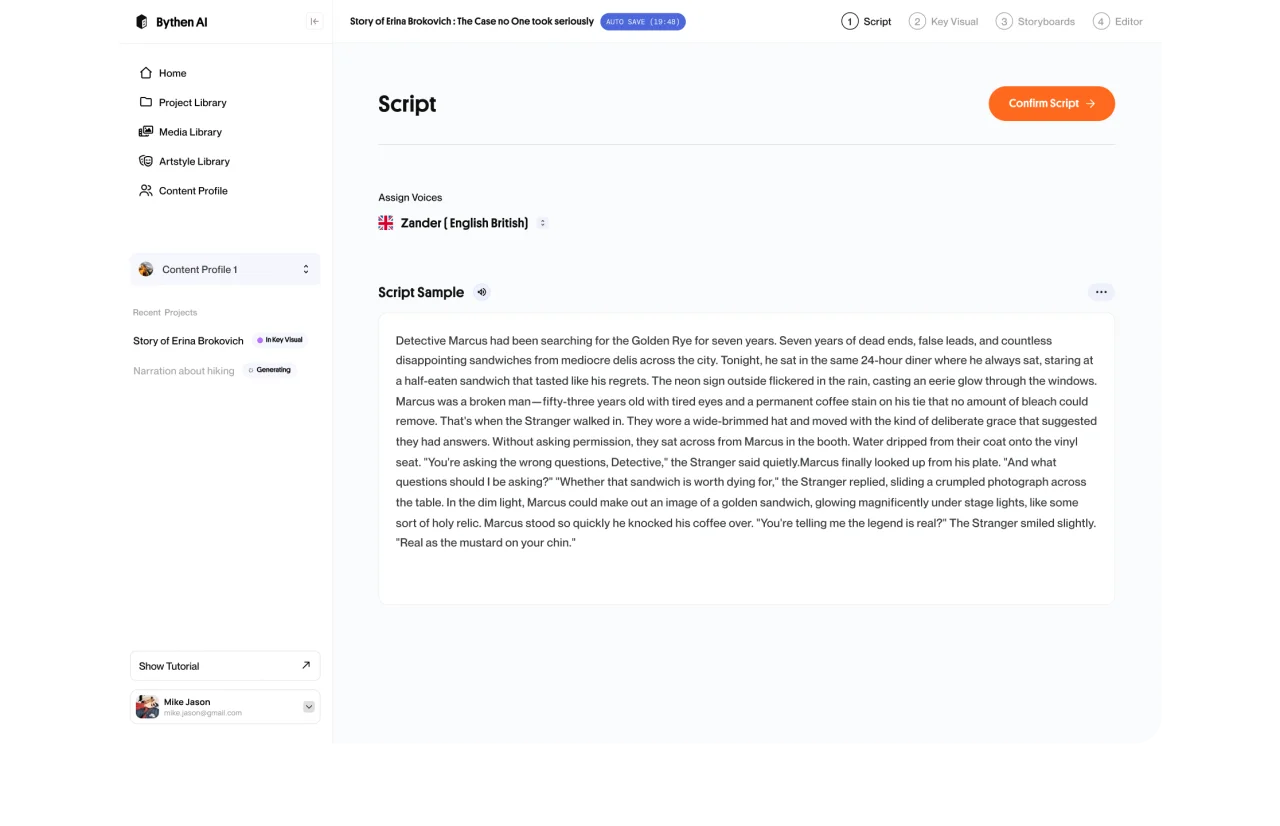
Full Edit Before Commit
Preview the generated script and edit anything before a single visual or video asset is generated.
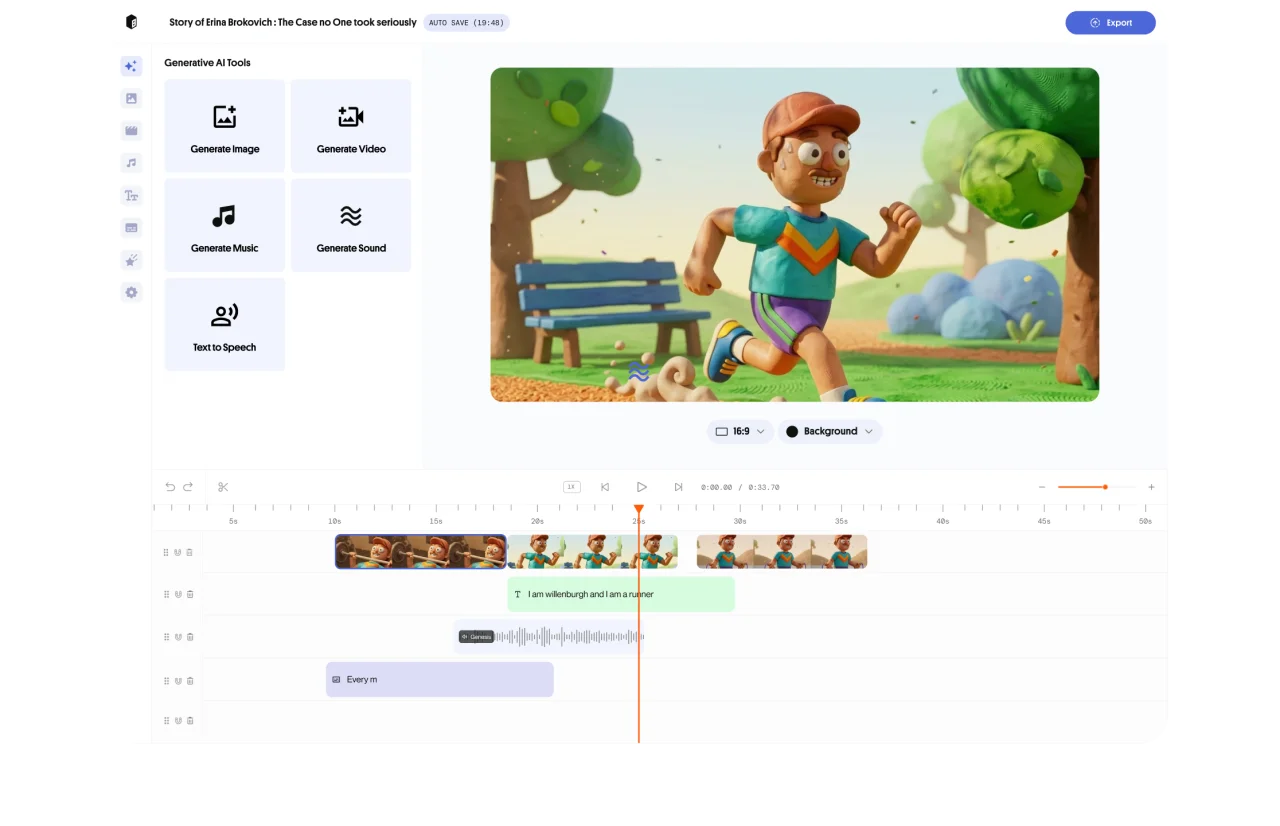
Multi-LLM Quality
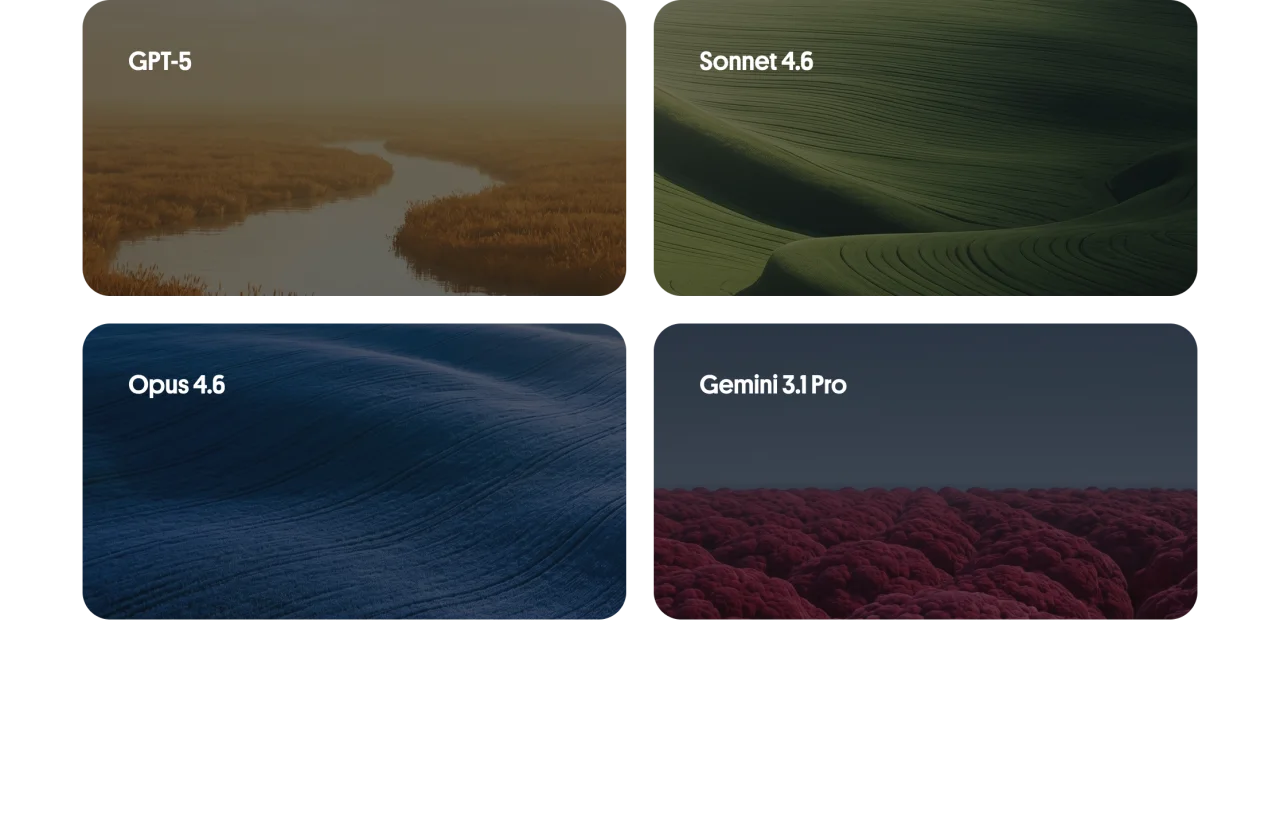
Powered by GPT-5, Sonnet 4.6, Opus 4.6, and Gemini 3.1 Pro, selected for quality and cost efficiency on each request.
Feeds the Whole Workflow
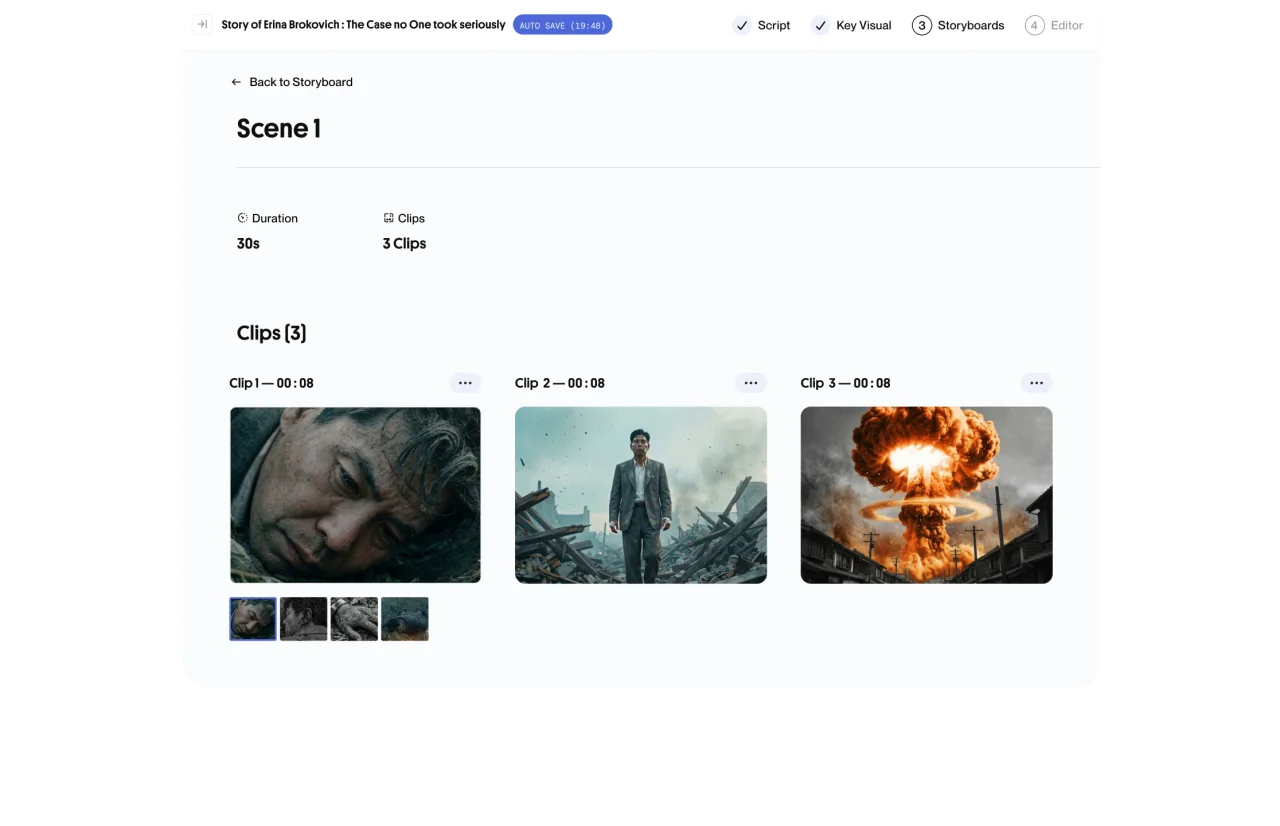
No loss of context. The AI script to video generator is reflected in key assets, storyboard, and video. Consistent from idea to export.
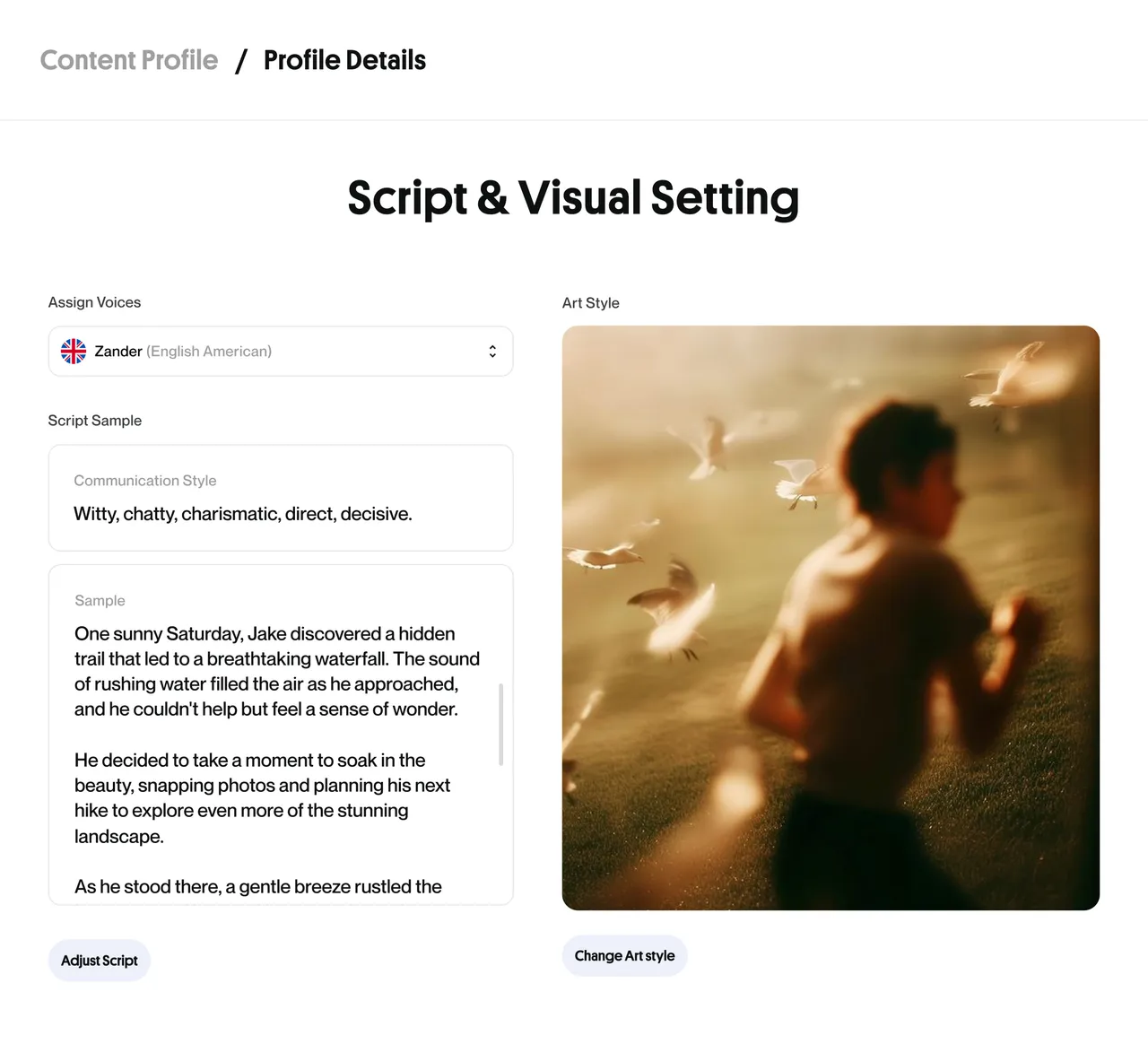
Set your voice once,
Every script follows
Tone, structure, and persona follows your selected content profile. So it sounds like you, consistently.
- Topic → Text to script generator in one step
- Edit freely before committing any credits to visuals
- AI script to video maker, all in a single workflow
Who needs a faster pen

Narration Channels
Text to script AI narrator-style for history, science, or mystery content at scale.

Explainer Videos
Structure complex topics into clear, engaging script to video AI tool with the right angle for your audience.

Series Batching
Produce multiple episode scripts in one session, each with distinct angles but consistent brand voice.

Script Approval Workflows
Review and approve scripts with clients or collaborators before any production resources are committed.
How ByThen works
- 01
Setup your content profile:
Define your topic, style, language and voice
- 02
Create your script:
Get AI to help you, or upload yours
- 03
Preview and approve:
Review or regenerate key assets
- 04
Touch up your storyboard:
Edit your storyboard to achieve the desired output
- 05
Generate your video:
Full-length video generated and assembled automatically
- 06
Edit, export, publish:
Refine on timeline and download your finished video
ByThen AI Script Generator FAQs
What is the AI Script Generator?
How do I start generating a script?
What is a Content Profile and how does it affect my script?
Can I bring my own script instead of generating one?
Can I edit the script before or after visuals are generated?
Can I control the tone and style of the generated script?
Which languages are supported for script generation?
Does generating a script use credits?
Can I regenerate a script if I don't like the first result?