
AI Storyboard Generator for Faceless Content
ByThen converts your approved script into a scene-by-scene visual storyboard automatically. Review, adjust, then generate the full video.
Visualize before you commit
Script → Frames Automatically
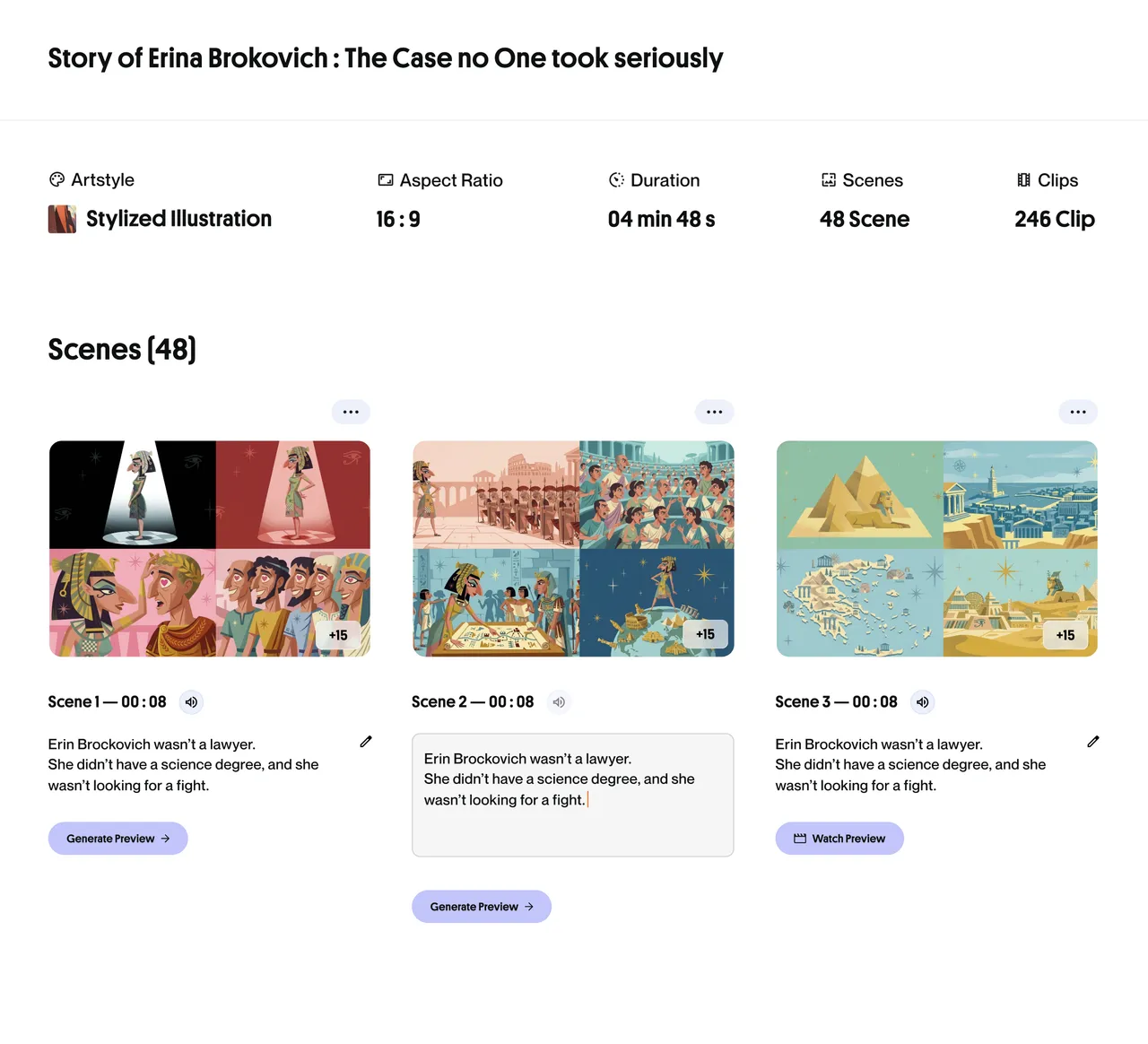
Approve your script and ByThen breaks it into scene-by-scene storyboard frames, each with a generated visual.
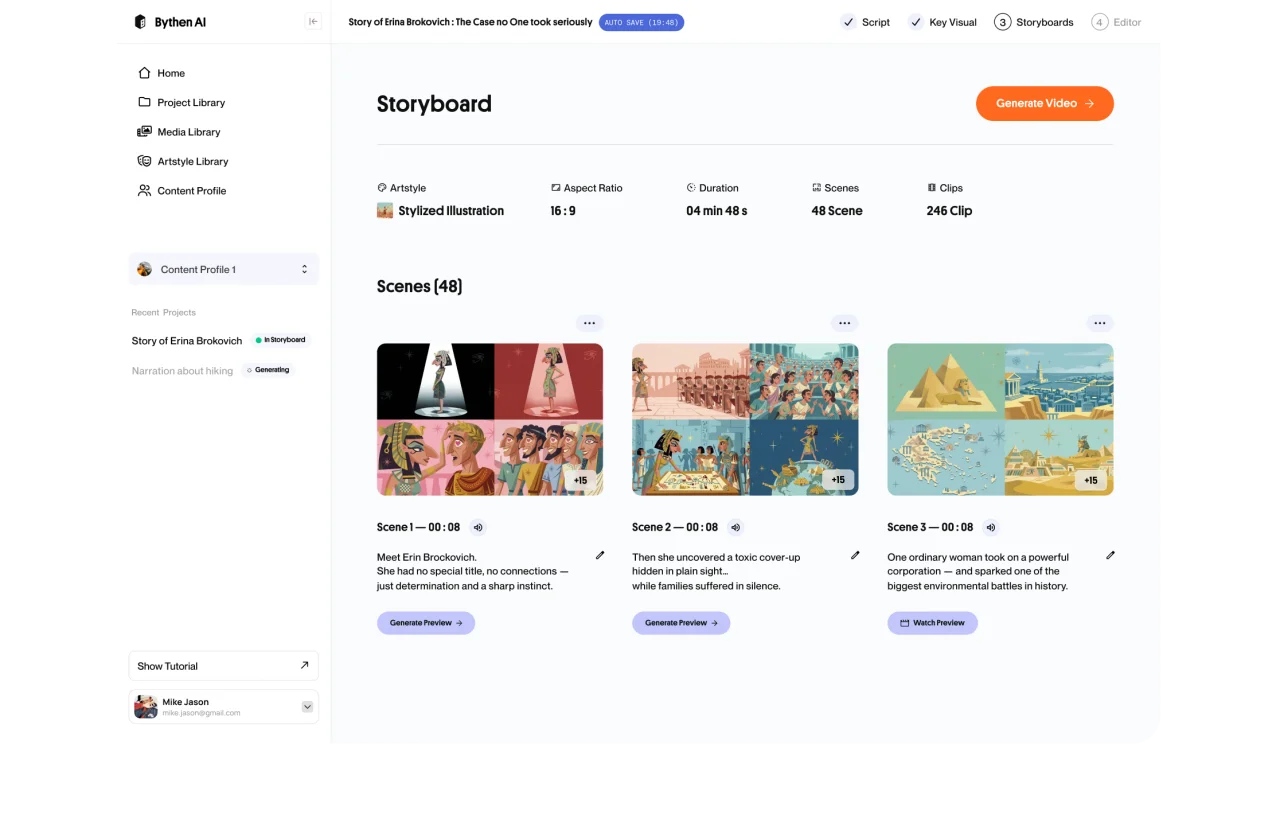
Key Assets First
Before the storyboard, key assets are generated. It sets the visual tone and color palette for every scene that follows.
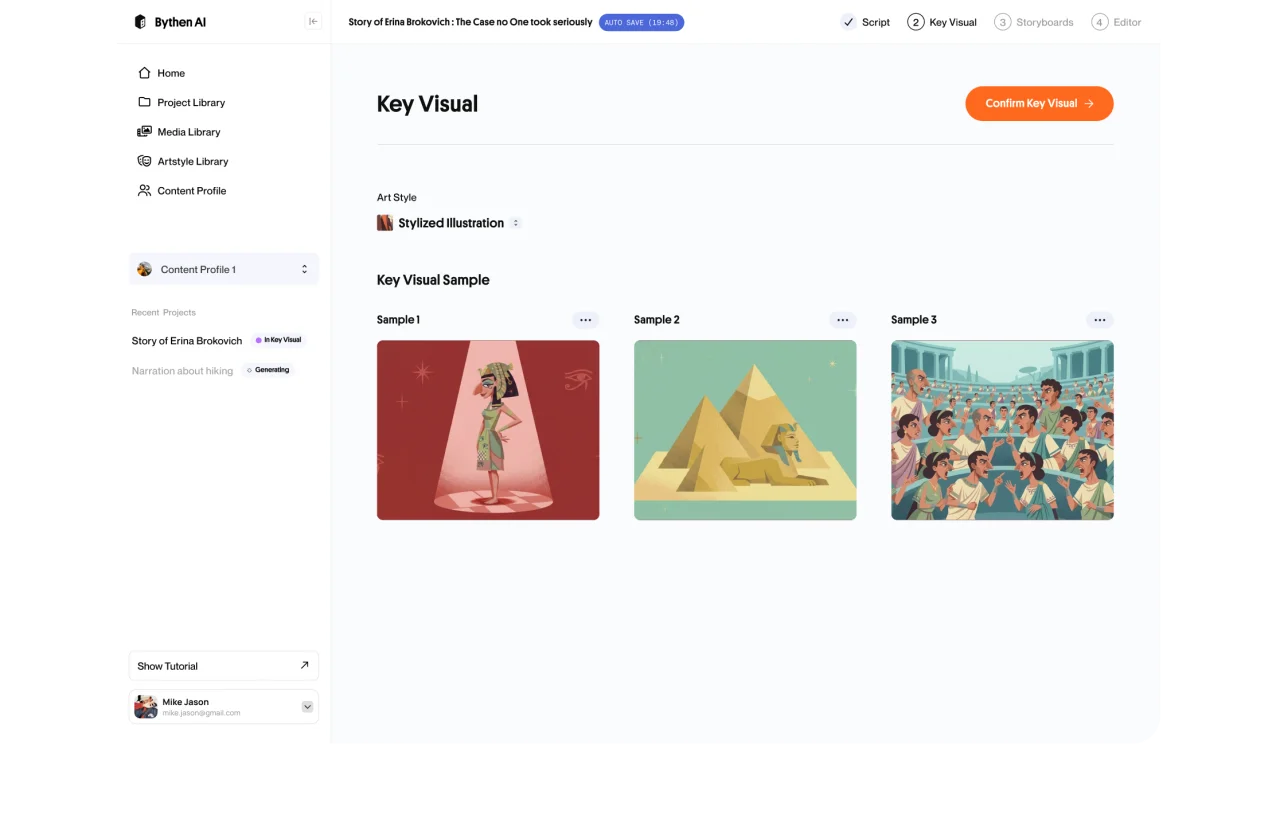
Regenerate Any Scene
Not happy with a frame? Regenerate the visual for that scene individually without affecting the rest.
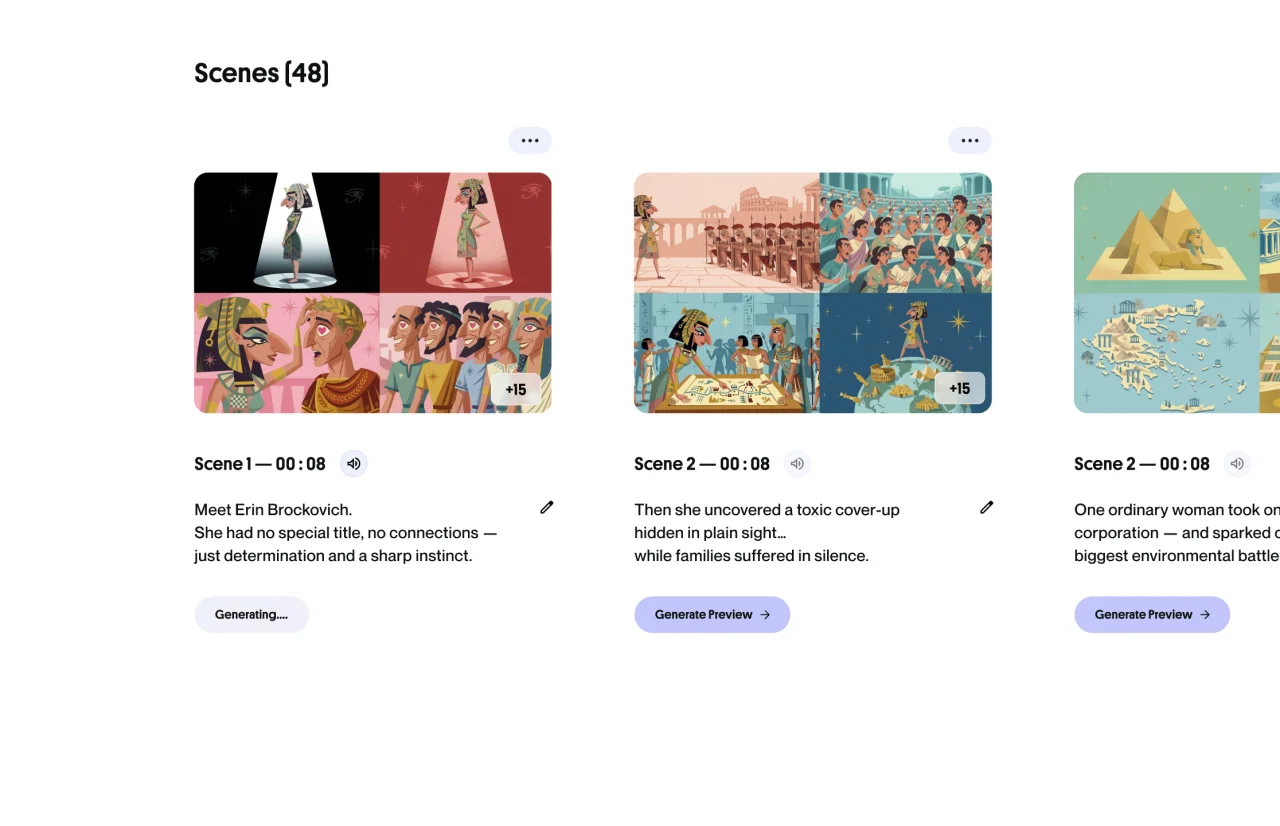
Adjust Before Production
Edit scene descriptions, reorder frames, or redirect the visual direction before generating a full video.
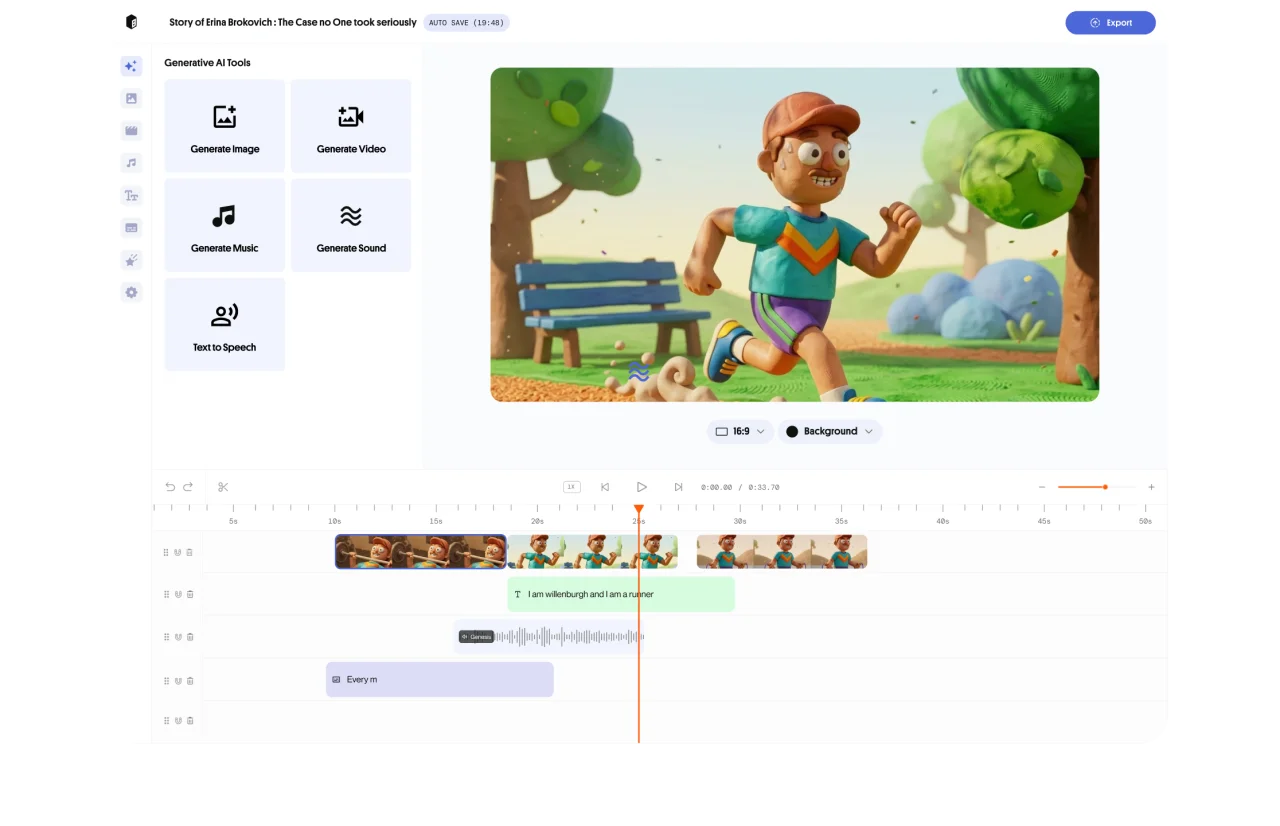
Seamlessly Into Video
Approved storyboard feeds directly into full-length video generation. One workflow, no re-uploads.
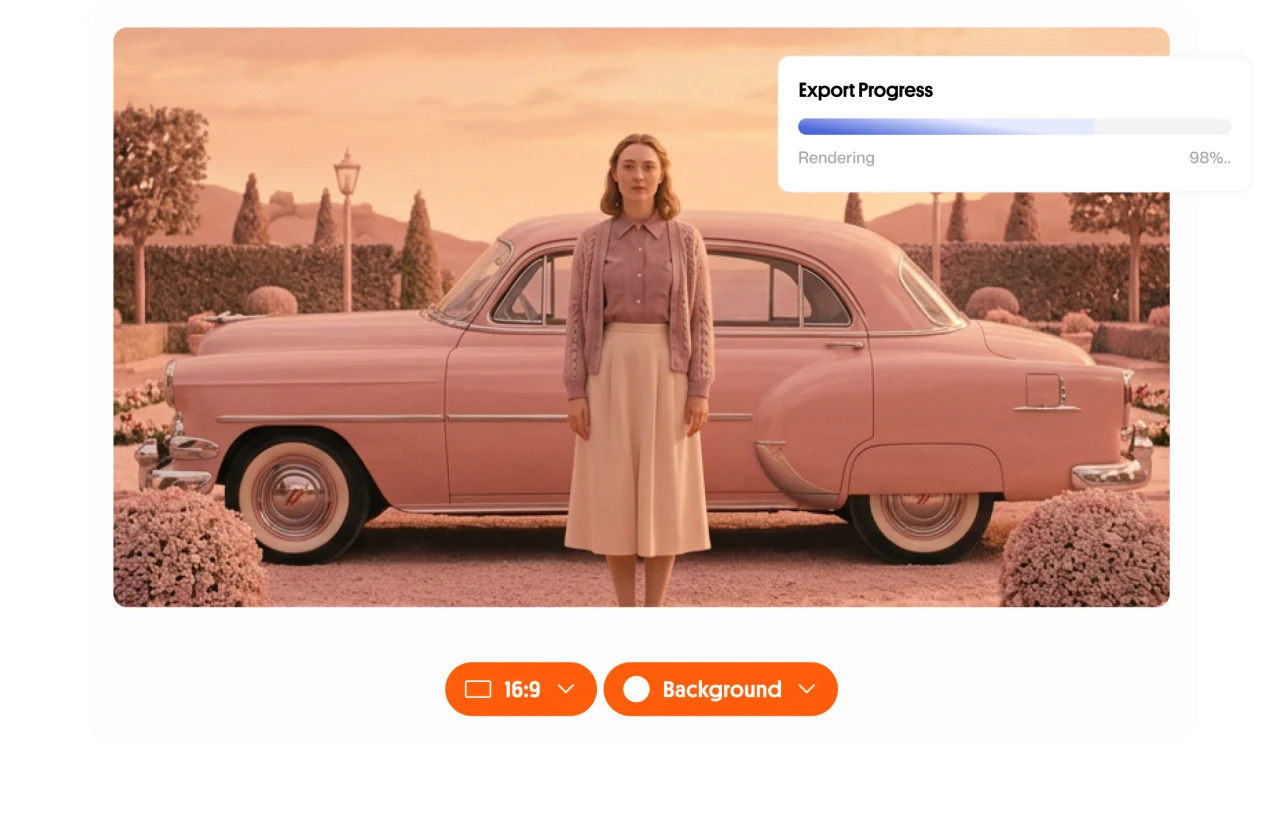
Consistent World-Building
Our AI youtube video maker will keep characters, environments, and color palette to stay true to your visual identity across every scene.
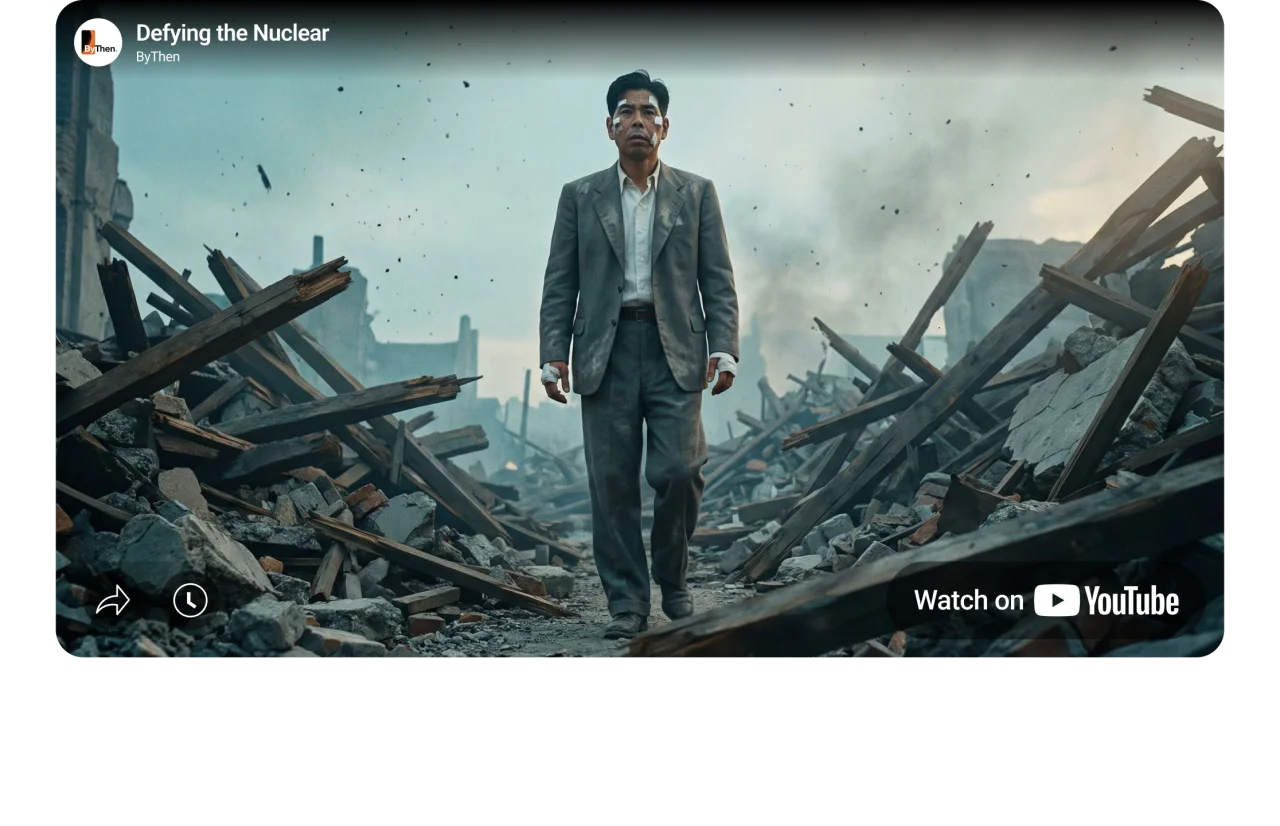
Catch problems at
the frame level
AI storyboard generator from script can caught wrong scene direction before video generation. These can cost a fraction of what it costs at full video generation. ByThen gives you a director's preview before a single frame of video is generated.
Adjust scene descriptions, regenerate indcividual frames, and approve the video storyboard before generating your full video. All in one workflow.
Every creator plans better with a storyboard

Pre-Production Planning
Visualize the full video before committing to generation. Catch structural issues at the storyboard stage.

Client Approvals
Share storyboard previews with clients before full production begins — faster sign-off, fewer revisions.
Series Consistency
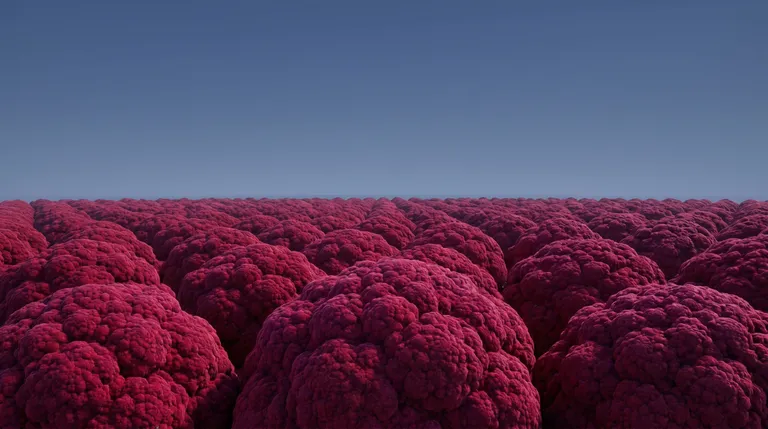
Maintain the same visual world across a multi-episode series with identity locked at the storyboard level.

Solo Creators
Get a director's-eye view of your video before it's made, without needing a production team.
How ByThen works
- 01
Setup your content profile:
Define your topic, style, language and voice
- 02
Create your script:
Get AI to help you, or upload yours
- 03
Preview and approve:
Review or regenerate key assets
- 04
Touch up your storyboard:
Edit your storyboard to achieve the desired output
- 05
Generate your video:
Full-length video generated and assembled automatically
- 06
Edit, export, publish:
Refine on timeline and download your finished video
ByThen AI Storyboard Generator FAQs
What is the AI Storyboard Generator?
How does the storyboard connect to my script?
What are scenes and clips?
How is scene duration set, and can I change it?
What happens if my narration is longer than the clip duration?
Does the storyboard follow my Key Assets style throughout?
How many scenes does a storyboard typically have?
What's the difference between the Storyboard and Editor Tool?